
Budgets and goals
Budgets
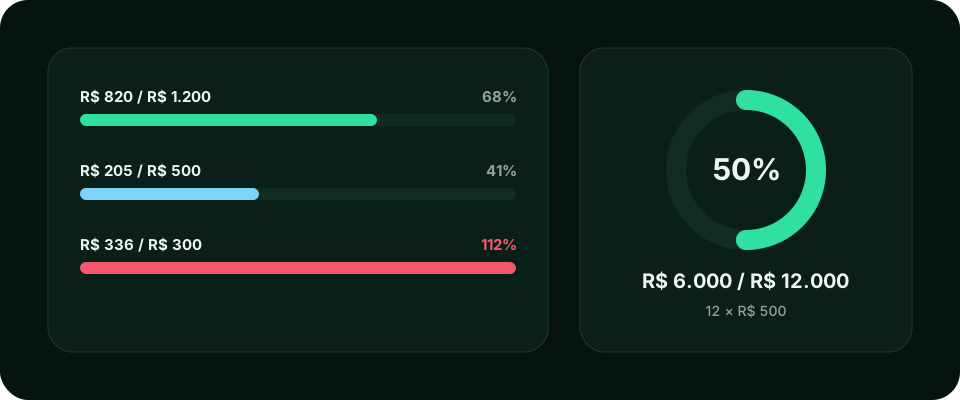
Section titled “Budgets”Set how much you want to spend per category or per card each month and track consumption. The bar shows the percentage used and turns red when you go over the ceiling.
- Open Budgets and pick the month.
- Select the category or card.
- Enter the maximum amount and save.
Categories
Section titled “Categories”Group entries into categories (groceries, transport, leisure…). You can create, edit and delete your own. Deleting a category asks for confirmation.
For what you want to achieve, create a goal with an amount, a deadline and a contribution plan. Each goal has a statement with the contributions made and what is left.
Example: saving R$ 12,000 in 24 months becomes a plan of R$ 500 per month, and Wallyn shows how much you have saved so far.