
AI assistants (MCP)
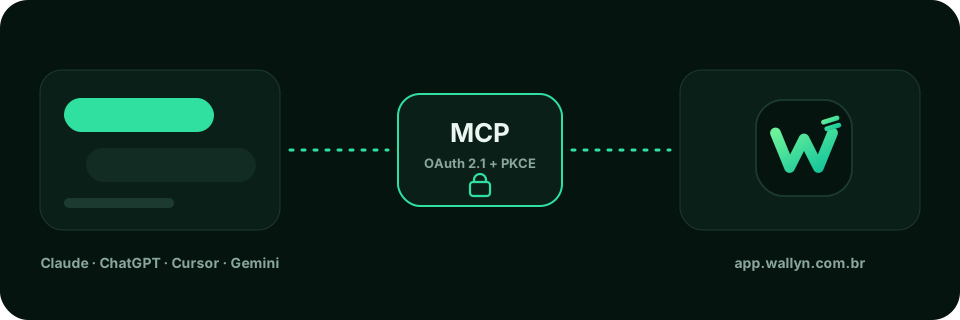
Wallyn has an MCP (Model Context Protocol) server that exposes the app as tools for AI assistants. With it you ask and record in natural language:
“How much did I spend on groceries this month?” “Record a R$ 50.00 grocery expense, today, paid in cash.”
Requirements
Section titled “Requirements”It works in any assistant that accepts remote MCP servers, such as Claude, ChatGPT, Cursor and Gemini. You only need a Wallyn account: create yours for free.
How it works
Section titled “How it works”- You add the connector to your assistant, with the server address.
- The assistant opens the Wallyn sign-in page and asks for your authorization (OAuth 2.1 with PKCE).
- The assistant starts calling Wallyn tools on your behalf, with your token.
The MCP server is a thin proxy: it stores no data and has no business rules of its own. Each tool calls the same API as the app, which validates the token and isolates your account’s data.
What the assistant can do
Section titled “What the assistant can do”- See account and wallet balances, statements and the month summary.
- List, create, edit and settle entries, including installment ones.
- Follow cards, invoices and invoice payments.
- Set and query budgets by category.
- Create goals and save the contribution plan.
- Organize categories and record transfers between your accounts.
- Manage account sharing with family.
The full list is in Tools. Changing plans is not available through an assistant: do it in the app.